Skip to content

OnDynamics Labs

Where I test the latest technologies and techniques, pushing the boundaries of frontier models, before they reach a client programme.

Contact
Training course · AI-Assisted Delivery

Legacy to live, with AI agents.

A six-day, hands-on course that trains your developers, consultants and IT engineers to take a legacy system all the way to a live replacement. AI agents do the heavy work, and your people approve every step.

Every lesson comes from fifteen years of high-stakes, large-scale enterprise delivery for Microsoft, its partners and their clients.

6 days, or 3 condensed · Up to 12 attendees · Claude Code and GitHub Copilot

Created and taught by Hugo Herrera, Microsoft Certified: Agentic AI Business Solutions Architect Expert

BeforeA partner teamWith the courseYour team, trained
People

6 to 8 people

1 or 2 people, with agents doing the routine

Time to live

9 to 12 months

Live months sooner

Checking

Spot checks, by hand

Every record, every column

Go-live

One-off load: days of outage

Delta load: hours

Know-how

Leaves with the partner

Stays in your team

People and time are illustrative. Checking and go-live follow the course’s method.
What your team will learn

Six approaches, in one continuous lab.

Each approach comes from Hugo’s own programmes, refined over fifteen years of high-stakes, large-scale enterprise delivery for Microsoft, its partners and their clients. Your team practises them on Lunvale Bank, a fictional bank with a legacy CRM 4.0 system, taking it all the way to Dynamics 365 Customer Service.

01Day 1

Anonymise before any agent connects

Before an AI agent touches anything, your team builds a tool that anonymises the data inside production. A rule is set for every column, people try to re-identify the result, and only then does an agent connect: to the safe copy, read-only.

It’s the step that lets your security and data protection teams say yes.
INSIDE PRODUCTIONILLUSTRATIVEBEFOREMara Ellison, 14 Mar 1951NG5 2AB, NI QQ 12 34 56 C“her son Daniel called…”case CAS-04811, LV10293384a rule percolumnAFTERJane Holt, born 1950 to 54NG, NI removed“her son [name] called…”new ids, links kept
In the lab, you set a rule for each field of a Lunvale customer record, run the tool, then try to find the real customer again.
02Day 2

Analyse how the system is really used

Agents run read-only queries against the safe copy and turn the answers into a visual report for business owners: what’s used, what’s growing, and what stopped years ago.

Decisions rest on the system’s own data, not on memory.

ComplaintsService requestsWebsite callbacksSatisfaction surveysHome-made audit201020182026GrowingIn useGrowingStopped 2017Stopped 2019
In the lab, you ask the agent which parts of Lunvale’s CRM are still used, and turn its answers into this picture for the business.
03Days 2 and 3

Find every integration, from code and from logs

Agents read the code, the scheduled jobs and the connection strings, then compare them with what really runs, from the logs. The differences are the findings.

Nothing connected to the old system is discovered on go-live weekend.

LegacyCRMCore banking (SSIS)E-mail RouterBranch alerts: failWebsite callbacksPayments (direct SQL)Finance spreadsheet
In the lab, you compare Lunvale’s code with its logs and find the integration nobody had written down.
04Days 3 and 4

Design, then build in approved stages

Your team weighs the options, agrees a blueprint that uses standard features first, and turns it into exact instructions. The agent proposes each change, and a person reads and approves it before it’s built.

Nothing changes in the new system until someone has read the change, and every change is kept in Git.

Options, blueprintstandard features firstStaged instructionsexact names, checksAgent proposesa plan or a changeYou approveor send it backBuilt in Dynamics 365in a solution, in GitTests and evidenceunit, integration, UI
In the lab, you review the agent’s plan for the complaints table, send one change back, and approve the rest.
05Day 5

Migrate, and keep the new system current

An agent extends a delta migration tool: the data moves weeks before go-live, then only the changes, every few minutes. Every row and column is compared with the source.

Go-live moves hours of changes, not years of history, and the proof is on screen.

Extractsince the last runMapand transformLoadthrottled, retriedValidaterow and columnagain every few minutes until go-liveresults feed the control panel: what moved, what failed, what differs
In the lab, you extend the migration tool for Lunvale’s cases, run a delta, and check every row against the old system.
06Day 6

Go live, then switch the old system off

Deployments run through approved pipelines, with a person signing off each environment. After go-live the old system is switched off step by step, with evidence at each step.

The old system is retired with proof that nothing still depends on it.

DevTestPre-prodProda person approves each environmentRead-only,reconciledIntegrationsoff, provenData keptor deletedAccessremovedOld CRMoff
In the lab, you promote Lunvale’s solution through each environment, then prove nothing still uses the old CRM before switching it off.
What your organisation gets

A working replacement, and a team that can do it again.

Day 2

A clear picture of the old system

A visual report, from the system’s own data, of what’s used, what’s growing and what can be retired.

Days 2 and 3

Every integration on one list

Found in the code, confirmed in the logs, and each one given a plan: rebuild, replace or retire.

Days 3 and 4

A new system, built and tested

Dynamics 365 Customer Service built in approved stages, with less custom code and a test for every process you keep.

Day 5

Data you can trust

Every row and every column compared with the old system, with a control panel that shows the proof.

Day 6

The old system switched off

A rehearsed cutover, then evidence at each step that nothing still depends on the old system.

Every day

Skills that stay in your team

Your people keep the method, the tools they built and the confidence to do it again on the next system.

Why it matters

Large IT projects often run over and deliver less than planned, and legacy systems carry years of features nobody uses. The method starts from how the system is really used and proves every step before the next.

45%

over budget and 7% over time, on average, for large IT projects1

56%

less value than predicted from the same projects1

80%

of features in the average software product are rarely or never used2

2018

CRM 4.0 left Microsoft support. CRM 2016 followed in January 20263

  1. McKinsey & Company with the University of Oxford, Delivering large-scale IT projects on time, on budget, and on value, October 2012: more than 5,400 projects; large means over $15 million.
  2. Pendo, The 2019 Feature Adoption Report: usage across 615 Pendo subscriptions.
  3. Microsoft Lifecycle: extended support for CRM 4.0 ended in April 2018, and for CRM 2016 in January 2026.
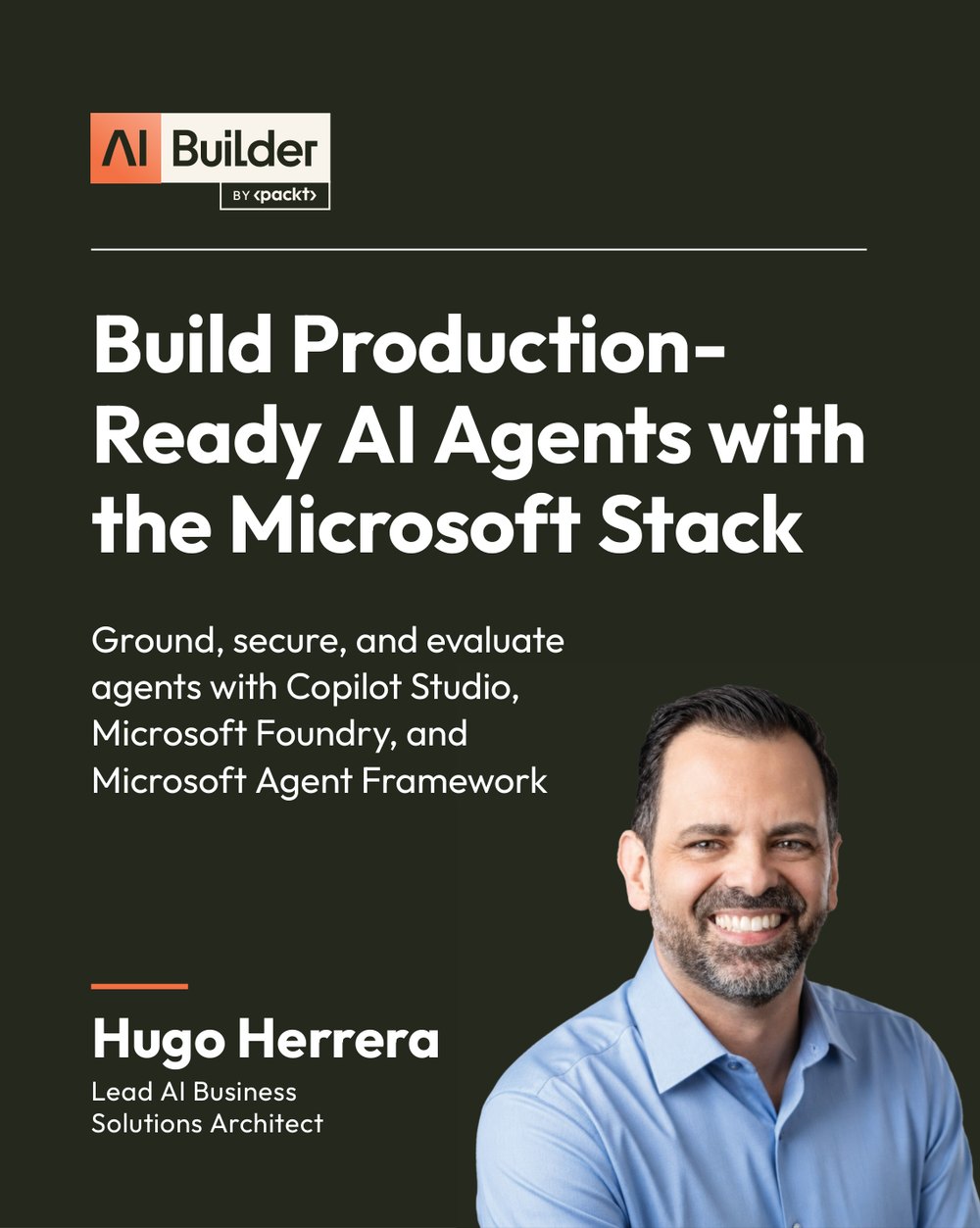
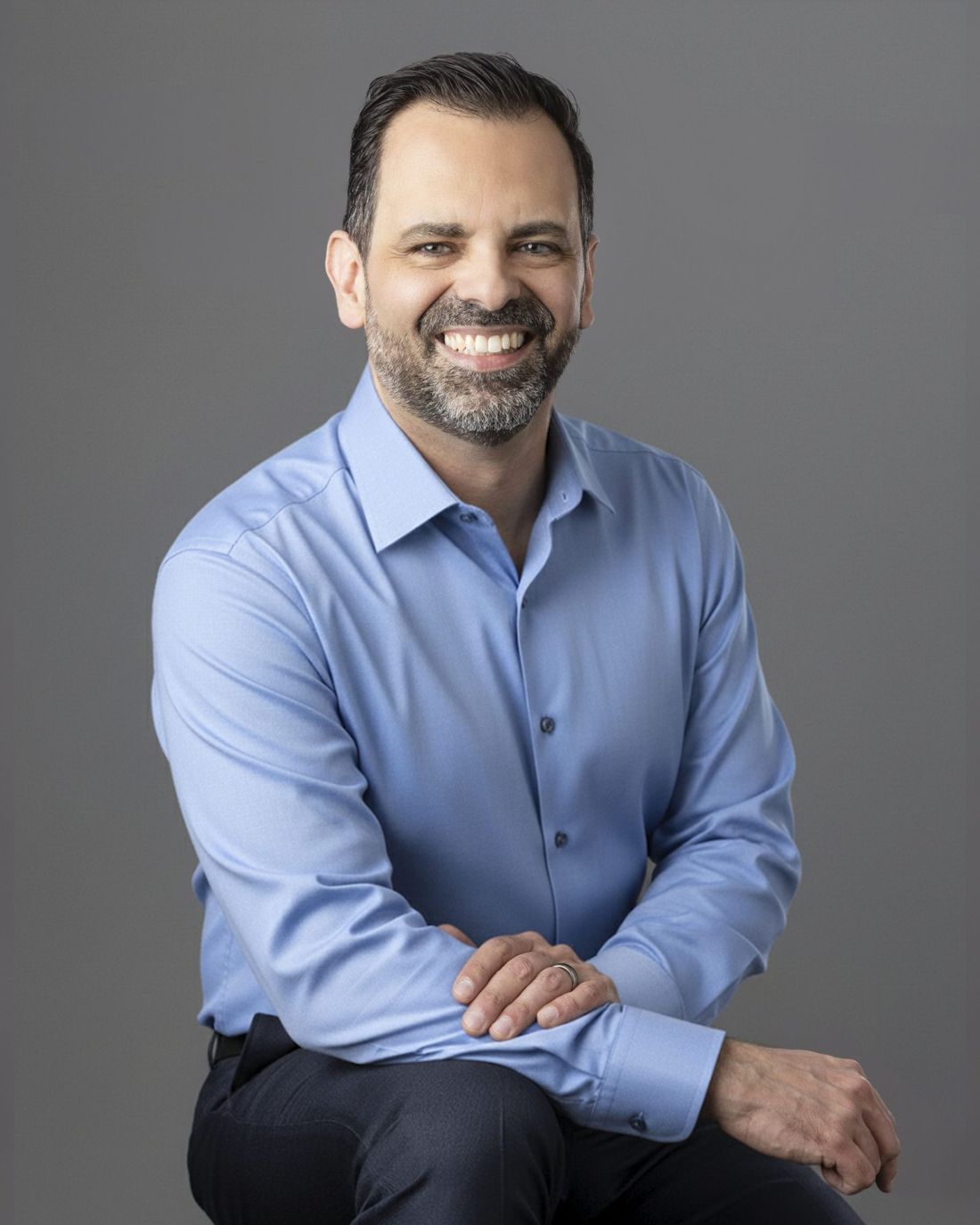
Hugo Herrera
Your trainer

Created and taught by Hugo Herrera, from the programmes he leads.

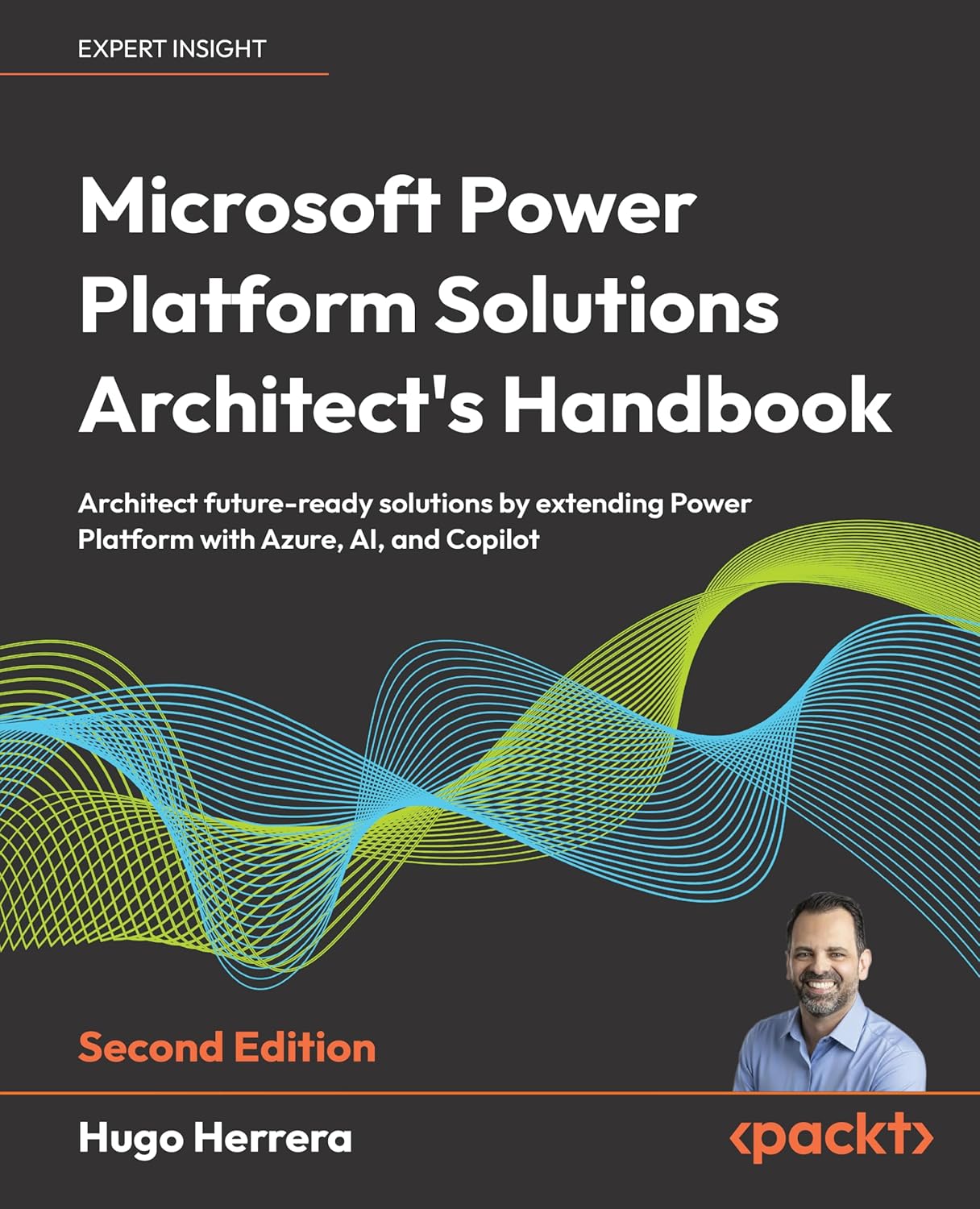
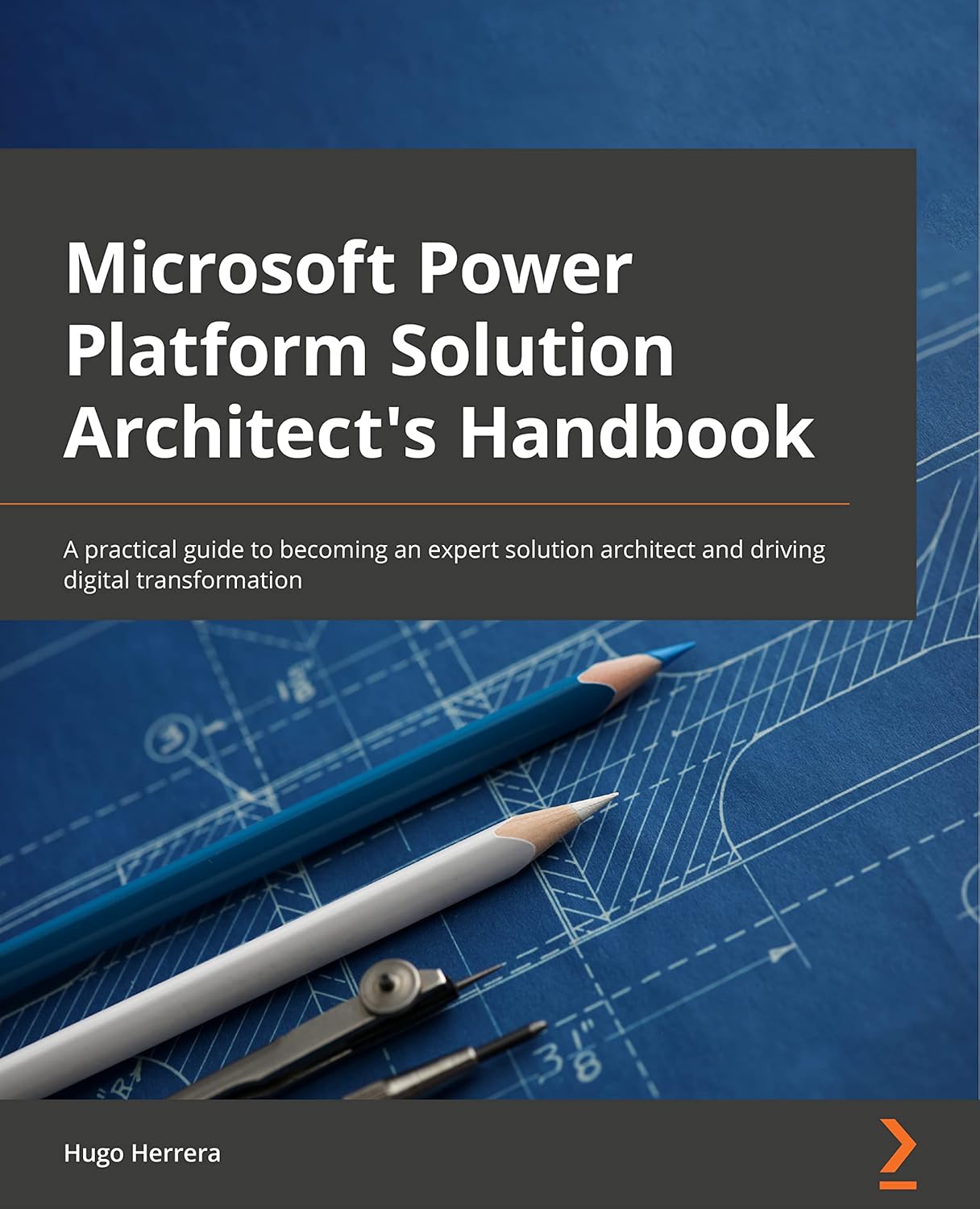
Every lesson in the course was learned on live programmes: fifteen years of delivering high-stakes, large-scale enterprise solutions for Microsoft, its partners and their clients. Hugo is an independent architect for Microsoft AI and Dynamics 365 and the author of three Packt books.

Certified by Microsoft

  • Agentic AI Business Solutions Architect ExpertMicrosoft Certified · AB-100 · 2026
  • Intelligent Applications Builder AssociateMicrosoft Certified · AB-410 · 2026
  • Power Platform Solution Architect ExpertMicrosoft Certified · and more
First delivery from 16 November 2026

Bring it to your team.

Tell me about your team and your systems, and I’ll come back with dates and a proposal.

Request a course

Tell me about your team

What you’re interested in (choose any)
Delivery